
SURVEY MONKEY
You can create a free account in less than a minute. While there are paid subscriptions the free version allows you to create unlimited surveys, but you are restricted to 10 questions per survey and 40 responses.
To get started once you have signed select MY ACCOUNT in the top right-hand corner. This will take you to your dashboard where you can choose CREATE SURVEY
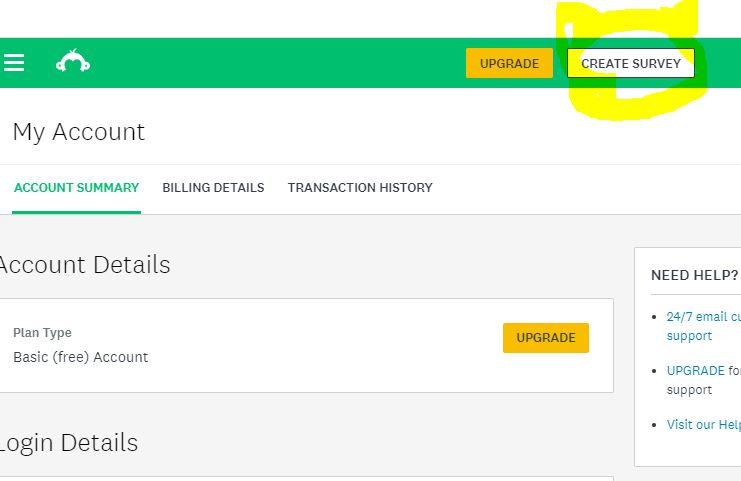
It is very easy to create a short quiz using multiple choice, yes/no answers and open text boxes. My advice is to not be too ambitious to start with but give yourself time to practice.
Once you have PREVIEWED your design you are ready to COLLECT RESPONSES. The easiest methods are to generate a weblink which you can then share by email or on social media.
https://www.surveymonkey.com/r/3CVZS8Y
Your weblink will look something like this and can be accessed by anyone who can see it. You can publicise this in all the usual social media channels and can even embed in websites and your LMS (Learning Management System)
Remember that you can only receive 40 responses using the free account so if you have more students you might want to create a second copy of the survey to share with part of your class.
QUIZ-MAKER.COM
True to its claim – this is a very easy program to use. They layout is intuitive and clean. I was able to sign up and generate this very simple three question quiz in a matter of minutes.
http://www.quiz-maker.com/QHDXDH7
There are a number of templates that allow you to make the surveys very pretty.
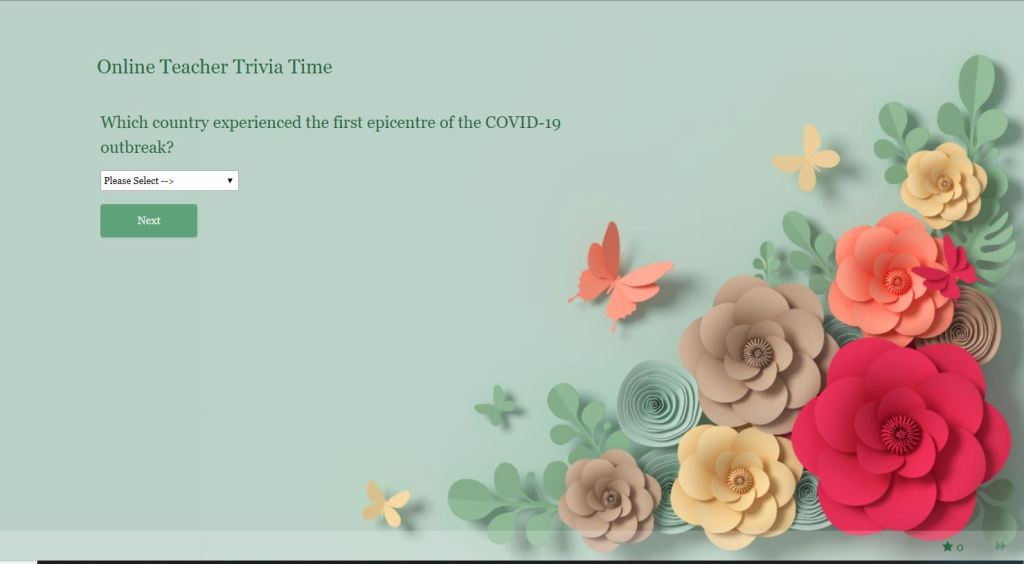
They have a wide range of pre-set question types, although some are restricted to the paid version.
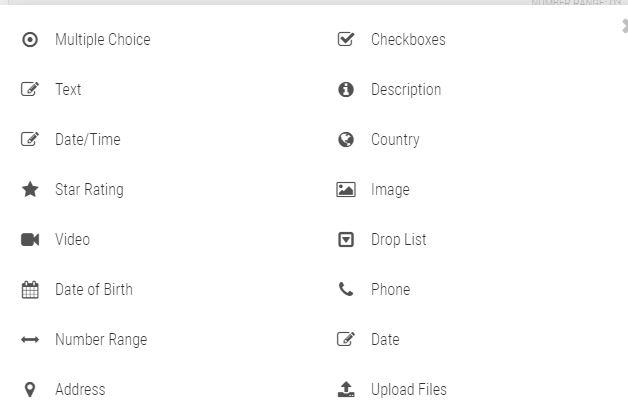
The only drawback to this program is that the free account limits you to receiving only 25 responses per month. Maybe save this one for its looks and use it sparingly.
Discover more from Miss Jane Suggests
Subscribe to get the latest posts sent to your email.
 Miss Jane Suggests